Four textures
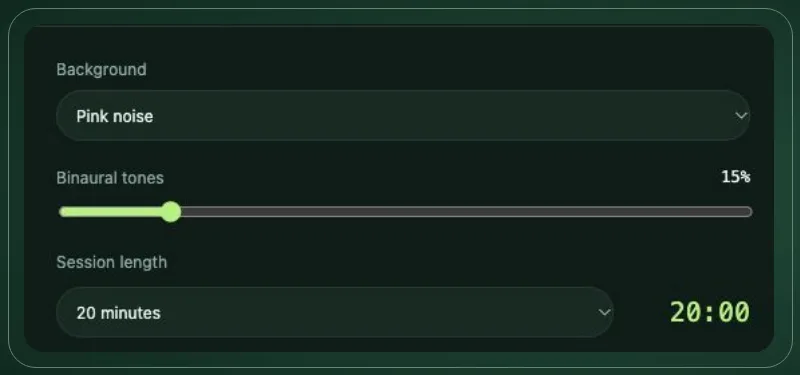
White noise, pink noise, brown noise and beach surf. Pick one as your background and hear the texture change.
A moment for you
A spectrum of sound. A moment to reconnect.
Rayline is a small desktop sound machine: noise textures, binaural tones and meditation timers, all generated on your device.
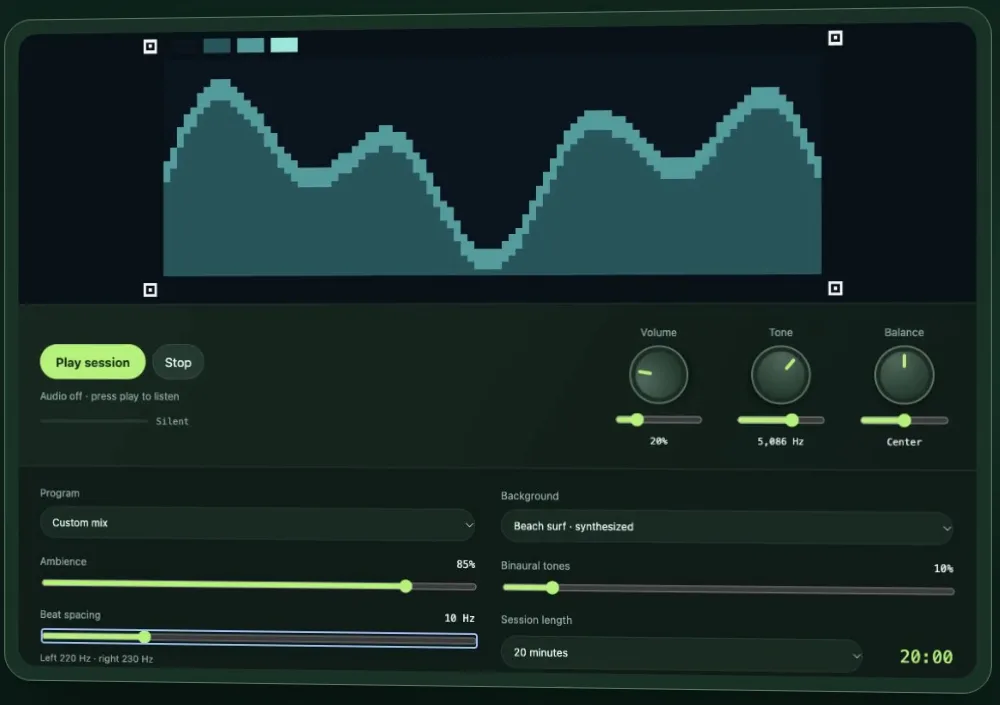
Audio off · press play to listen
On iPhone, turn off silent mode to hear it.
Set the atmosphere
White noise, pink noise, brown noise and beach surf. Pick one as your background and hear the texture change.
Two tones, one experience. Play 220 Hz in your left ear and 230 Hz in your right and you'll hear a gentle 10 Hz beat. Adjust the beat spacing to taste.
🎧 Use stereo headphones for binaural tones.
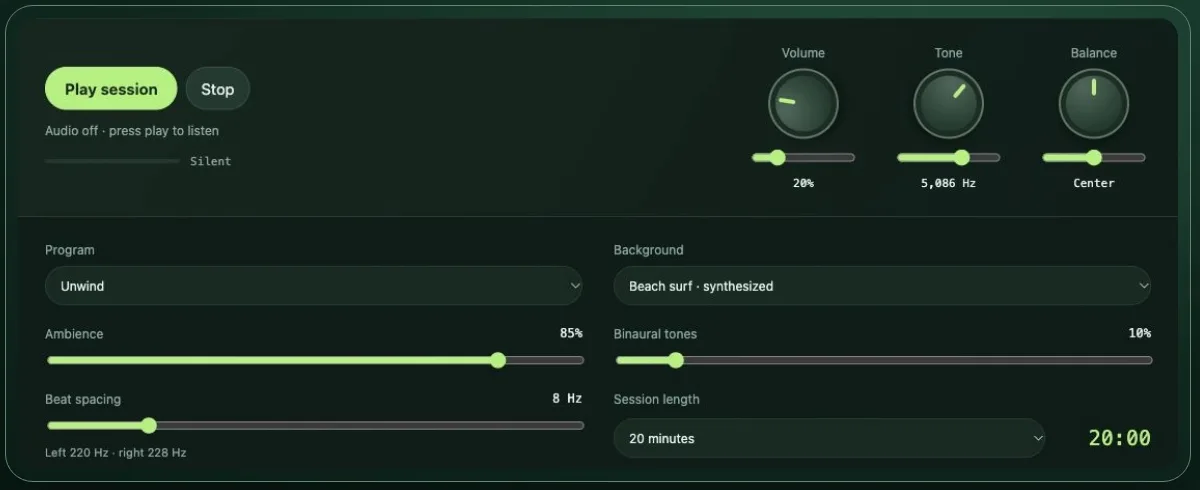
Start with Focus, Unwind or Meditation, then adjust volume, tone, balance and ambience to make it yours.
Choose a session length (say, 20 minutes) and Rayline fades out softly when it's done.
All audio is generated on your device. No streaming required.
Designed to stay lightweight: a compact desktop sound machine.
Your settings. Your ritual.
Start with a preset and adjust it to your taste: ambience, binaural level, beat spacing, volume, tone and balance.
Preset names describe mixes, not guaranteed outcomes.
A little time. A mindful practice.
Choose your mix. Set a timer. Return to the present.
Your sound. Your moment.
Free for now.
Apple silicon Macs · macOS 12 or later · 1.4 MB
Windows 10/11 · 64-bit · portable, no install · 1.4 MB
Rayline isn't distributed through the App Store yet, so macOS asks you to confirm the first launch. Unzip the download, move rayline to Applications and open it. If macOS says it can't be opened, go to System Settings → Privacy & Security, scroll down and click Open Anyway. You only need to do this once.
Unzip the download anywhere (your Desktop or a USB stick is fine) and double-click rayline.exe. Nothing gets installed. Rayline isn't signed yet, so Windows SmartScreen may say "Windows protected your PC". Click More info, then Run anyway. It uses the Microsoft Edge WebView2 Runtime that comes with Windows 11 and most Windows 10 PCs.
Sound for your routine, not a medical treatment. Rayline hasn't been clinically tested. Binaural audio is being studied for relaxation and anxiety in specific settings, but results vary and reliable brainwave entrainment has not been established. Research suggesting mindfulness programs may reduce anxiety and depressive symptoms concerns meditation practice; those benefits are not established for this player (sources: NCCIH; Goyal et al., 2014). If you have health concerns, talk to a qualified professional.